
How to Identify an Actor from a Photo or Screenshot
Sometimes all you have is a screenshot, a photo you took of the TV, or a meme a friend sent you. No title, no character name — just a face. Here's how to identify the actor from that one image.
Option 1. Reverse image search (Google Lens and similar)
Google Lens looks for visually similar images. If it's a well-known scene or a promo photo, it may find an article using the same image, and the name comes with it.
But reverse image search isn't built to recognize people by their face, so results are hit-and-miss. A photo of a TV taken at an angle, or a scene that isn't widely shared, often brings up the wrong person or nothing useful.
Option 2. An actor recognition app
Apps built specifically to recognize actors by face handle TV photos much better. Our app, who are you again?, works with a live snap of the screen or any photo or screenshot already in your album.
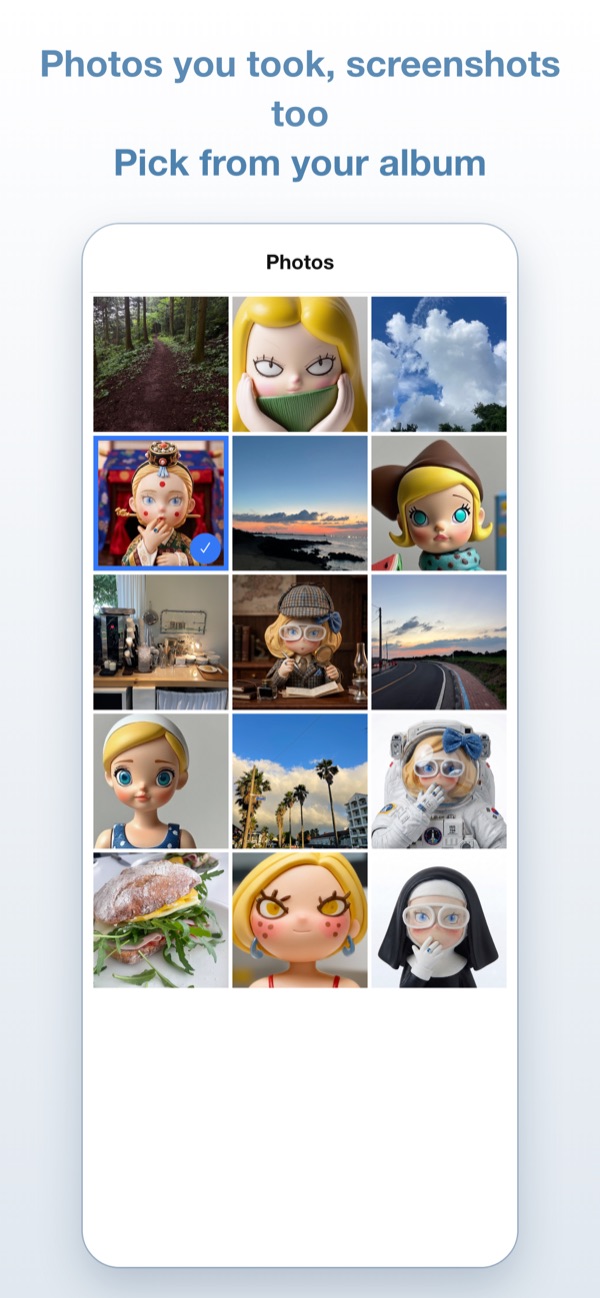
Instead of just a name, you get their best-known titles and the role they played in each. Very new or little-known actors may not be found yet — and a search that finds no one never uses up a free search.
Option 3. Ask a community
Post the image and ask "who is this?" It takes time, but for tiny roles or older titles where nothing else works, it's a solid last resort.
How to take a photo that gets recognized
Whatever method you use, the photo itself makes the biggest difference.
- Pause first: moving scenes blur. Stop on a frame where the face is sharp.
- Pick a front-facing moment: the closer to straight-on, the better.
- Get the face big: move closer to the screen rather than capturing the whole TV.
- Avoid glare: if a lamp reflects on the screen, shift your angle a little.
- Several people? Choose a frame where the person you want is the largest.
One screenshot is enough. Pick it from your album and see who it is and where you've seen them. First 20 searches free.
Download on the App StoreiPhone app · 20 free searches to start
Watching right now and don't have a photo? See five ways to find out who that actor is.